 Concrete Calculator Fieldnotes
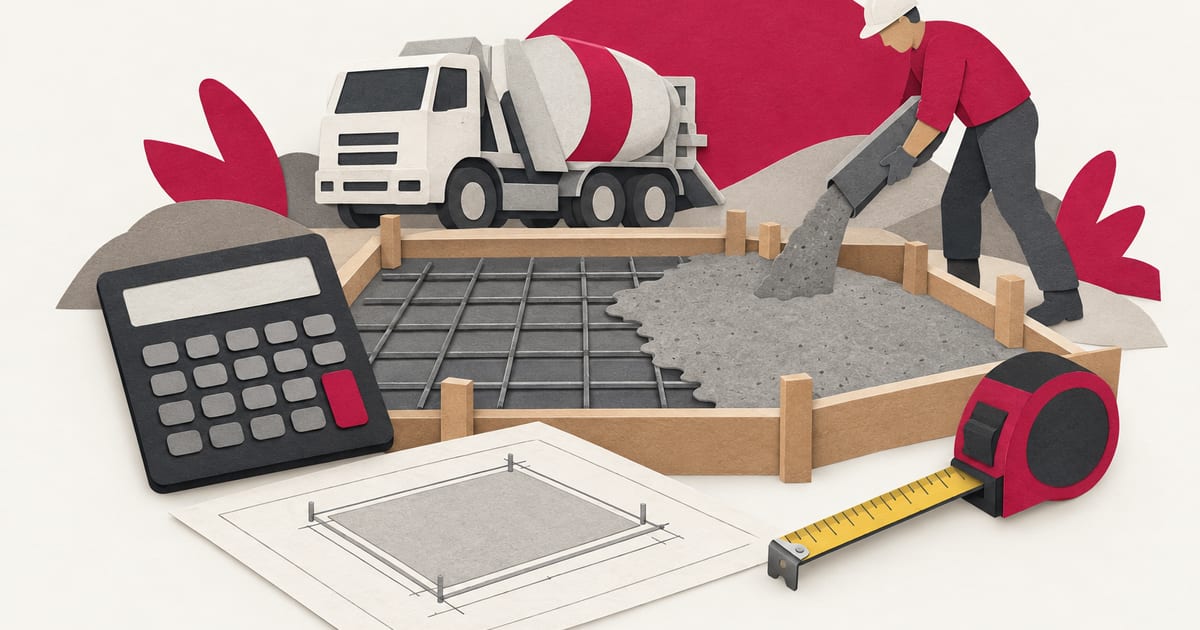
A concrete slab calculator is a small tool with a narrow job: turn slab dimensions into a volume you can order, mix or budget for. It is not a structural engineer and it will not tell you whether your subbase is right, but it removes the arithmetic that causes most short pours. If you are pouring a shed base, patio, garage floor or a simple footing pad, a slab calculator gives you a starting number you can check against the bag label or the ready-mix ticket.
What a Concrete Slab Calculator Actually Does
At its simplest, the tool multiplies length by width by thickness. The useful part is what happens around that multiplication: it converts thickness from inches to feet or metres, reports volume in cubic feet, cubic yards or cubic metres, and lets you add a waste percentage. Better tools also show bag counts when you enter the yield printed on your mix bag. None of that replaces reading the bag or calling the plant. It just keeps the unit conversions honest. The output is only as good as the dimensions you feed it, so the measuring step matters more than the button pressing.
Use it for flat, simple slabs and as a cross-check against the bag label or the ticket. Do not use it as a structural design tool. A slab with thickened edges, slopes, reinforcement design or heavy point loads needs engineering input, not just arithmetic.
When to Reach for a Concrete Slab Calculator
Use one when the shape is basically a rectangle or a combination of rectangles and the pour is flat. Typical jobs: shed base, hot tub pad, small patio, garage floor, garden path section, air-conditioner pad. It is also handy when comparing quotes because you can sanity-check the volume a contractor lists. If the slab has curves, steps or multiple thicknesses, break it into rectangles and run each one. For foundation walls and footings with more complex geometry, a concrete foundations calculator is the better shape of tool. For the money side, keep the volume estimate separate from the concrete slab cost calculator and compare the two.
How to Get a Good Result, Step by Step
Small input errors get magnified at the ready-mix plant. Work through these steps in order and write the numbers down before you touch the calculator.
1. Sketch the slab and note units
Draw the outline and mark length and width in the same unit. Do not mix feet and inches in one field. If you measured in feet and inches, convert the inches to a decimal of a foot first. For a simple rectangle, one pass is enough. For an L-shape, split it into two rectangles, calculate each, and add the volumes. If you are using a concrete mixture calculator for bag counts, keep the same dimensions so the two results agree.
2. Measure length, width and thickness
Measure the actual formwork, not the intended footprint. Thickness is the one people guess. Measure the depth of the form at several points, especially if the ground is uneven. Use the average if it varies, or use the deepest point if you would rather over-order slightly. For a slab on grade, thickness is the slab itself, not the subbase. Do not add gravel depth to concrete volume.
3. Choose a waste allowance
Waste covers spillage, uneven subgrade, form bowing and the little bit left in the chute. A small flat slab on prepared ground might need a modest allowance. A larger pour, a first-time crew or a site with soft spots deserves more. The exact percentage is a judgement call, so choose it deliberately and note it. The tool will show the difference, but it cannot know your site.
4. Read the output in the units your supplier uses
Ready-mix is usually ordered in cubic yards or cubic metres; bagged mix is sold by weight and yield. A concrete slab calculator may give you both, but check the label on the unit. If the output is cubic feet, divide by 27 for cubic yards. If it is cubic metres, do not convert to yards unless your supplier asks. Round up to the supplier's ordering increment only after you have added waste.
5. Check bags, mix and subbase separately
If you are bagging it, use the yield printed on the bag, not a number from memory. Bag yield varies by mix and strength. Add the number of bags to your shopping list with a small buffer, but do not treat bag counts as precise. Subbase gravel, sand and reinforcement are separate quantities. The slab calculator tells you concrete volume; it does not tell you how much compacted base you need.
Common Mistakes That Throw Off the Estimate
These are the errors that turn a neat estimate into a second trip to the store. Most concrete slab calculator mistakes are unit mistakes, not complicated math.
- Using the outside of the form as the pour dimension when the form boards take up space. Measure inside faces.
- Forgetting to convert inches to feet. A 4-inch slab is not 4 feet thick.
- Adding waste twice: once in the calculator and again by rounding up hard. Decide where the buffer lives.
- Mixing up cubic feet and cubic yards. Check the supplier's unit before ordering.
- Using slab volume for a footing, wall or column. Different shape, different tool.
- Ignoring slope or thickened edges. A flat rectangle calculator will undercount a slab with turned-down edges.
- Trusting bag counts without reading the bag yield. Yield is the number that matters.
- Ordering exact volume with no allowance for pump loss, washout or uneven ground.
A Quick Worked Example
Suppose the form measures 10 ft by 12 ft inside, and the slab is to be 4 in thick. Convert thickness: 4 ÷ 12 = 0.333 ft. Volume = 10 x 12 x 0.333 = 40 cubic feet. Divide by 27 to get about 1.48 cubic yards. With a 10 percent waste allowance, the order volume is about 1.63 cubic yards. That is the arithmetic a concrete slab calculator handles for you. It is also a useful check: if a tool returns 16 cubic yards for that slab, you have a unit or decimal error.
A concrete slab calculator is a sanity check, not a substitute for site judgement. Measure the inside of the form, pick thickness deliberately, add waste once, and confirm the unit before you call the plant. If the number looks wrong, sketch the slab and do the multiplication by hand; the error is almost always a decimal, a unit or a doubled waste allowance. Used that way, a concrete slab calculator saves a trip and a short pour.
FAQ
What thickness should I enter for a patio slab?
Use the thickness you have actually designed and can build, not a generic number from a blog. For a simple garden patio, many residential guides start around 4 inches, but local code, soil, drainage and loads can change that. Measure the form depth in several places and enter the average, or the deepest point if you want a small buffer.
Does a concrete slab calculator include waste?
Only if you enter a waste percentage. The basic volume is length times width times thickness. Waste is a separate allowance for spillage, uneven ground and form movement. Decide the percentage yourself, add it once, and note it on the order. If you round up again at the plant, you are adding a second buffer.
Can I use a slab calculator for bagged concrete?
Yes, but treat bag counts as a cross-check. Enter the dimensions, get the volume, then divide by the yield printed on the bag you plan to buy. Bag yield varies with mix and weight, so use the label rather than a remembered figure. Buy a little extra for spillage, and check that the bag mix is suitable for a slab.
Why does my supplier's cubic yard figure differ from the calculator?
Common reasons are unit conversion, a different waste allowance, or rounding to the supplier's ordering increment. Check that thickness was entered in inches, not feet, and that the output is cubic yards rather than cubic feet. If the gap is large, sketch the slab and do the multiplication by hand before you call.