 Concrete Calculator Fieldnotes
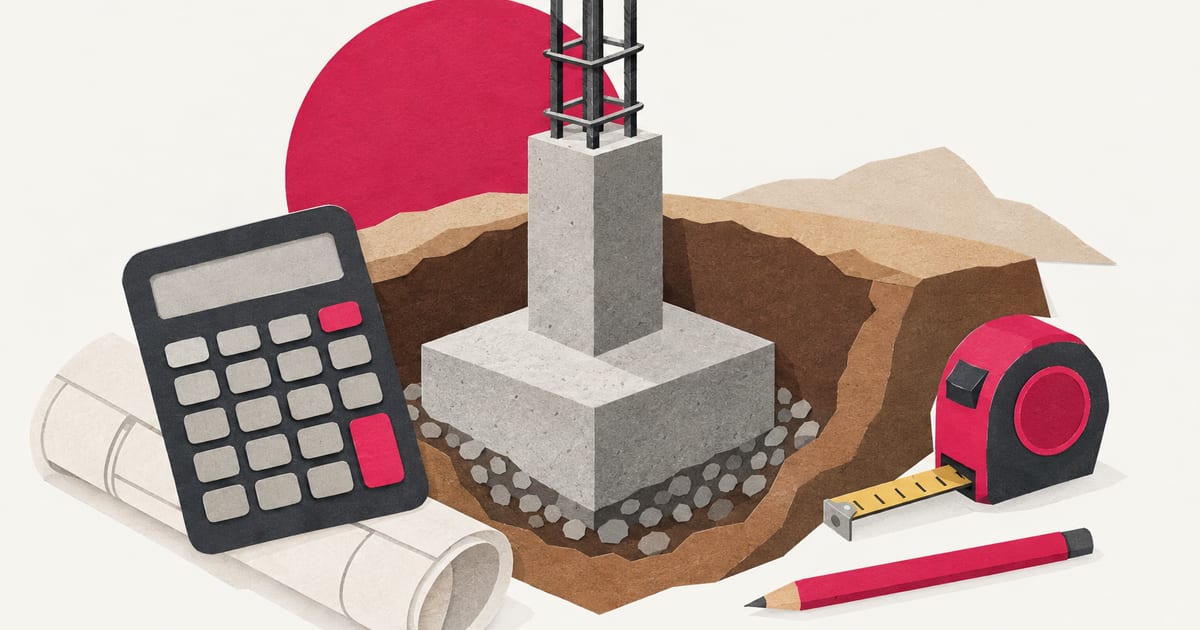
A concrete foundations calculator is a volume estimator for footings, pads, strip footings and raft edges. You enter plan dimensions and pour depth; it applies a waste allowance and returns cubic yards or cubic metres, plus bag counts if you request them. It does not design reinforcement, check soil bearing or replace a stamped drawing.
Think of it as an order-quantity tool, not a structural design tool. The structural design decides footing width, depth, rebar and concrete strength. The calculator answers a narrower question: how much concrete should arrive on the day?
What a concrete foundations calculator actually does
A good calculator multiplies length × width × depth for each simple shape, sums the volumes, then adds a waste percentage. Some tools also convert between cubic feet, cubic yards and cubic metres, and some estimate 80 lb or 60 lb bag counts. Bag counts are useful for small pads; ready-mix is usually specified by volume for larger footings. The output is only as accurate as the shapes and dimensions you feed it. If your foundation has stepped footings, haunches, or thickened edges, model each part separately rather than averaging the whole run.
Two runs of the same concrete foundations calculator can return different totals because one uses a default waste allowance and the other starts at zero. Read the settings before you trust the number. For stepped foundations, the most reliable method is to enter each step as its own shape; averaging the depth across the whole run will undercount the deep sections and overcount the shallow ones.
When to use a concrete foundations calculator
Use one when you are pricing, planning a pour, or checking a supplier’s quote for:
- strip footings for walls
- isolated pad footings
- pile caps and small raft sections
- garage slab thickened edges
- porch and deck pier pads
Skip it for final structural sizing. Also skip it if the drawing gives a ready-mix schedule; order to that schedule and confirm with the supplier. For a flat slab-on-grade without thickened edges, a concrete slab calculator may match the geometry better.
If the pour is small enough for bagged mix, a volume figure is still useful, but check the bag yield on the bag and use the mixture calculator for water and aggregate ratios. For ready-mix, give the supplier a volume and a pour sequence; they may round to the nearest quarter yard or cubic metre depending on local practice.
How to get a good result step by step
1. Measure the pour, not the form
Formwork sits outside the concrete. Measure the inside faces. For a footing, record actual length, actual width, and the depth from the top of the pour to the base. If the excavation is over-deep, do not add concrete to fill it unless the design says so; use compacted fill or a mud mat.
Record dimensions on a sketch as you measure, not from memory. A cheap laser measure helps for long runs; a tape is fine for short pad dimensions. If the excavation is sloped or uneven, measure depth at several points and use the average only if the design allows it.
2. Break the foundation into simple rectangles
Sketch the plan and split it into rectangles. A stepped strip footing might be three rectangles; a pad with a pedestal might be a pad plus a pier. Write each length, width and depth in the same unit before you enter anything.
3. Choose depth and waste deliberately
Use the design depth, not a guess. Add a waste allowance for uneven excavation, spillage and pump loss. A small percentage is common, but the right number depends on site conditions, supplier policy and how well the subgrade is prepared. If you are unsure, ask the supplier what allowance they recommend for your pour type.
4. Keep units consistent
Most errors come from mixing inches and feet. Convert before you calculate: 8 inches is 0.67 feet; 12 inches is 1 foot. If the tool accepts mixed units, check the labels twice. For bagged concrete, use a concrete mixture calculator to sanity-check the bag yield rather than assuming one bag equals a fixed volume.
5. Treat the result as an order quantity
Round up to the supplier’s ordering increment. Keep a small buffer for grade changes and clean-up, but do not double the order. Concrete is heavy and returns are rarely practical. If you are pricing the whole job, a concrete slab cost calculator can help you separate concrete volume from labour, base prep and reinforcement.
Common mistakes that skew the order
- Measuring the outside of the form instead of the inside.
- Using slab thickness for a footing that is deeper at the edge.
- Forgetting stepped footings or pier pads in the total.
- Mixing inches and feet in the same calculation.
- Adding a waste allowance twice.
- Ordering bag counts for a large footing when ready-mix is more practical.
- Treating the calculator’s volume as a structural approval.
Also watch for duplicate shapes: it is easy to count a corner twice when splitting an L-shaped footing into rectangles. Label each rectangle on the sketch and tick it off as you enter it. Keep a clean copy of the takeoff with the calculator output so a second person can check the numbers.
Worked examples
Example 1: a strip footing 24 ft long, 16 in wide and 10 in deep. Convert: 16 in = 1.33 ft; 10 in = 0.83 ft. Volume = 24 × 1.33 × 0.83 = about 26.5 ft³. Divide by 27 for cubic yards: about 0.98 yd³. Add a 10% waste allowance: about 1.08 yd³.
Example 2: four square pads, each 6 ft × 6 ft × 12 in. One pad is 6 × 6 × 1 = 36 ft³. Four pads are 144 ft³. Divide by 27: about 5.33 yd³. With 10% waste: about 5.87 yd³. If the pads have tapered tops or pedestals, add those volumes separately.
Example 3: a garage slab edge 30 ft long, 12 in wide, 18 in deep. Volume = 30 × 1 × 1.5 = 45 ft³ = 1.67 yd³. With 10% waste: about 1.83 yd³. This is the thickened edge only, not the interior slab.
Final checks before you call the supplier
Compare the calculator total with a hand calculation for at least one simple shape. Confirm the concrete strength, slump and maximum aggregate size from the drawing. Ask the supplier about minimum loads, delivery windows and pump access. Check whether the driver can reach the pour without crossing soft ground. If the foundation is complex, have the detailer confirm the takeoff.
If the supplier’s quote is in cubic metres and your calculator outputs cubic yards, convert before comparing. One cubic yard is about 0.76 cubic metres; one cubic metre is about 1.31 cubic yards. Write the conversion on the takeoff so nobody re-enters the wrong unit.
A concrete foundations calculator saves time and reduces arithmetic slips, but it cannot see your site. Measure the actual pour, model every thickened section, and use the result as a checked order quantity. When the numbers look odd, go back to the shapes and units before you call for concrete.
FAQ
How much waste should I add to a concrete foundations calculator?
Start with the calculator set to zero waste, then add an allowance based on site conditions. A small percentage is common for uneven excavation and spillage, but the right figure depends on subgrade, formwork and supplier policy. Ask your ready-mix supplier what they recommend, and never add the same allowance twice.
Can I use a concrete foundations calculator for bagged concrete?
Yes, but treat bag counts as a cross-check. Bag yield varies by product, and your water ratio, mixing loss and uneven subgrade all affect the real number. Use the bag’s stated yield, not a rule of thumb, and confirm the count against the volume from the calculator. For larger footings, ready-mix is usually more practical.
Why does my calculated volume differ from the supplier’s quote?
The gap usually comes from units, waste allowance, rounding or a missed shape. Suppliers may round to a minimum load or an ordering increment. Check cubic yards versus cubic metres, confirm the waste setting, and compare your takeoff line by line. If the difference is large, ask the supplier how they calculated their figure.
Does the calculator include rebar, gravel or formwork?
No. A volume calculator handles concrete only. Reinforcement, compacted base, formwork, labour and pump fees are separate items. Use the concrete number for ordering, then build a separate takeoff for the rest. If you are budgeting, keep those costs in their own columns so a cheap concrete quote does not hide expensive site work.